Creating an office space that is comfortable, functional, and productive is essential, whether you work from home (the popular home office) or in a corporate setting. The choice of the right furniture and office accessories directly influences your well-being and the efficiency of your workday.
Below, we explore the 7 essential office components that cannot be missing to establish a complete and optimized working environment.
1. The Pillar of Health: The Professional Ergonomic Chair
The office chair is, without a doubt, the most important investment in your workspace. Given that we spend an average of 6 to 8 hours a day sitting, an inadequate chair is a surefire recipe for lower back pain, neck stiffness, and chronic fatigue.
Essential Features of a High-Performance Ergonomic Chair:
- Adjustable Lumbar Support: This is the most vital element. The chair must offer support that adjusts not only in height but also in depth, to fill the natural curve of the lower back.
- Synchronized Mechanism and Tilt: A good mechanism allows the backrest and seat to move in a coordinated manner, always maintaining an optimal angle. The ability to recline and lock the position is key for changing posture.
- 4D Armrests: They must be adjustable in height, depth, width, and angle. This allows the forearms to rest comfortably, keeping the shoulders relaxed and at 90 degrees relative to the keyboard.
- Sliding Seat (Depth Adjustment): The seat should allow the user to maintain 2-3 fingers of space between the edge and the back of the knees. This ensures correct blood circulation in the legs.
- Breathable Material: Mesh or technical fabrics are preferable to synthetic leather, especially in warm climates, as they promote ventilation.
Value Tip: Adjust the chair height so that your feet are flat on the floor or on a footrest, and your knees form a 90-degree angle. This initial adjustment is the basis of all the ergonomics of your workstation.
2. The Operations Center: The Functional and Optimized Desk
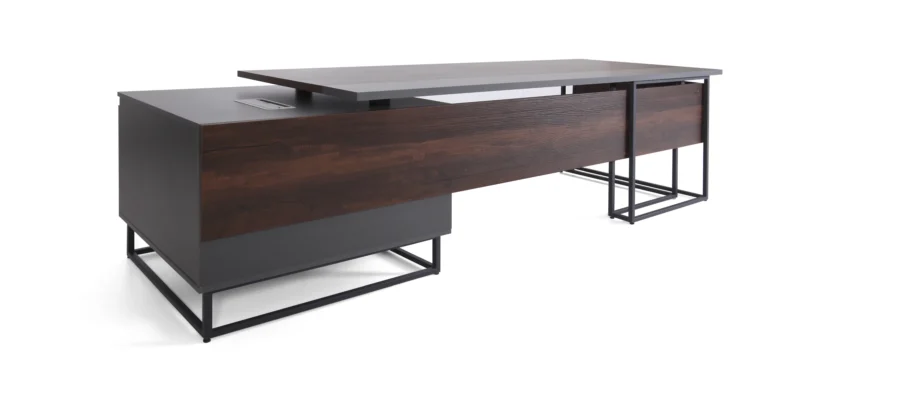
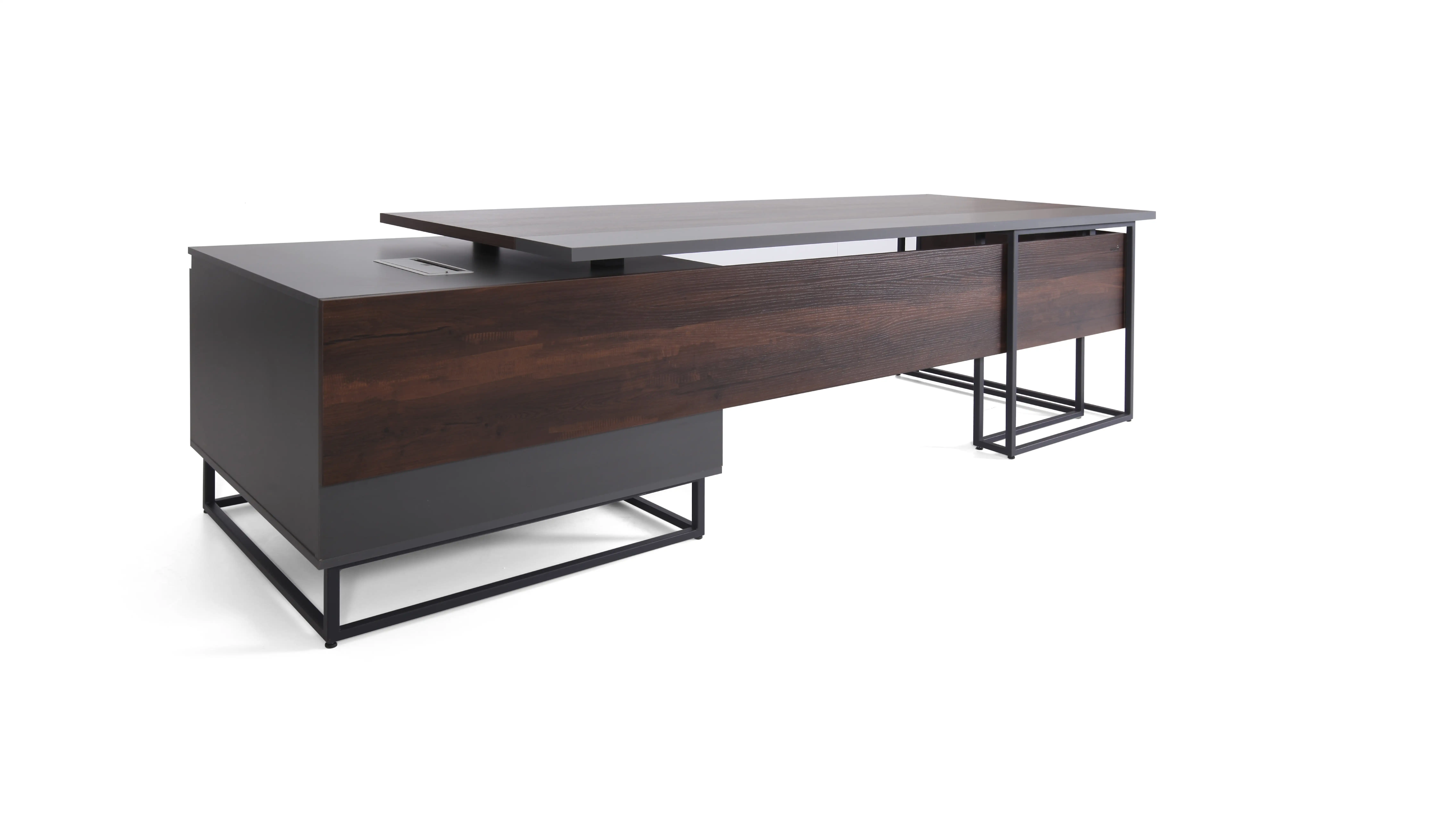
The desk is not just a surface; it is the area where all your tools and resources converge. It must be robust and spacious enough to handle your equipment, but it should also promote postural variability.
Key Dimensions and Types:
- Sufficient Depth: A desk of at least 70 cm (27.5 inches) in depth is ideal. This allows you to place the monitor at a safe distance (an arm’s length away) while maintaining space for the keyboard and documents.
- Minimum Width: For a single monitor and equipment setup, 120–140 cm (47–55 inches) is functional. For two monitors or more workspace, 160 cm (63 inches) or more is recommended.
- The Adjustable Height Desk Revolution (Sit-Stand Desk): The most significant trend in modern offices is the adjustable desk. This allows you to alternate between working sitting down and standing up at the push of a button. This alternation reduces accumulated fatigue, prevents a sedentary lifestyle, and has been shown to improve concentration in short bursts.
- Cable Management: A fundamental element that is often ignored. A functional desk must have integrated trays or cable grommets to keep cables organized, out of sight, and most importantly, away from your feet, preventing accidents.
3. The Window to Productivity: Technology and Visual Ergonomics
The quality of your technological equipment directly impacts the speed and quality of your work. However, the key is how that technology integrates into your ergonomic environment.
Key Technological Components:
- High-Resolution Monitor: Opt for monitors with IPS or VA technology for better color reproduction and viewing angles. The ideal size is usually 27 inches for a comfortable viewing distance.
- VESA Monitor Mount: An articulated arm mount is essential. It allows you to adjust the height (the top of the bezel should be at eye level) and the depth, while also freeing up valuable desk space.
- Ergonomic Keyboard and Precision Mouse: Use an external keyboard, and if you are prone to wrist issues, consider a vertical mouse or a trackball. The separation between the external keyboard and mouse allows you to maintain the correct posture, unlike using a laptop alone.
- Quality Webcam and Microphone (For Meetings): In the context of remote work, the quality of your visual and auditory communication is your professional calling card.
- Digital Ergonomics: Configure the text scaling of your operating system so you don’t have to lean forward to read, which negates all the chair and monitor adjustments.
4. The Mood Booster: Strategic and Ambient Lighting
Poor lighting is a common cause of headaches, eye strain, and decreased performance. A complete office must integrate three types of lighting for an optimal environment:
Types of Necessary Lighting:
- Ambient Light (General): Provides uniform lighting to the entire room. Neutral white light (around 4000K–5000K) that mimics daylight is ideal, helping to maintain alertness.
- Task Light (Specific): This is where the adjustable desk lamp shines. It should be bright enough to illuminate documents without creating glare on the screen. It must be movable so it can be focused where needed.
- Accent Light (Decorative): Used to highlight elements (such as plants or art) and add depth to the space, making the atmosphere warmer and less «clinical.»
- Glare Control: Avoid placing your monitor directly in front of a window or with your back to one. Direct glare or reflections on the screen are highly detrimental. Use diffusing curtains or blinds to take advantage of natural light without its drawbacks.
5. The Anti-Chaos Factor: Modular Storage and Organization
An organized mind requires an organized space. Adequate storage systems not only hold things but establish a system of work.
Effective Storage Strategies:
- Mobile Filing Cabinets with Wheels: These are versatile and allow you to store important documents and basic supplies close to you, freeing up desk space.
- Vertical Shelving: Take advantage of height. Shelves are not only for books but for storing decorative boxes with cables, gadgets, or less frequently used documents.
The Principles of «Frequency-Based Storage»:
- Zone 1 (Daily Use): Items on the desk or within immediate reach (pens, notes).
- Zone 2 (Weekly Use): Items in drawers or filing cabinets under the desk.
- Zone 3 (Monthly or Annual Use): Items on shelves or in closed cabinets.
- Desk Organizers: Small trays, pen holders, and stackable trays that maintain order on the work surface, preventing the accumulation of loose objects.
«Clean Desk» Mindset: Try to ensure that by the end of each workday, the only items on your desk are the monitor and the keyboard. This mentally prepares the space for the next day.
6. The Analog Connection: Strategic Stationery and Supplies
Although most tasks are digital, the human brain still processes information better when it is physically written down. Having quality office supplies is vital for quick planning and brainstorming.
Essential Supplies for Creativity and Planning:
- Notebook or Task Journal (Bullet Journal): To jot down ideas, immediate tasks, and goals without having to open an application. The physical act of writing reinforces memory.
- Whiteboards or Cork Boards: An excellent visual tool for tracking long-term projects, for brainstorming, or for keeping motivational goals in sight.
- Basic Stationery Kit:
- High-quality gel or ink pens (to reduce writing effort).
- Colored sticky notes (to classify the urgency of ideas).
- Markers and highlighters (for document analysis).
- Stapler, hole punch, and clips (for quick physical document management).
The Value of Printing: Although the trend is to reduce paper, having a multifunction printer (printing, scanning, and copying) is essential for signing contracts, backing up important documents, or working on long texts.
7. The Psychological Dimension: Environmental Comfort and Personalization
A complete office goes beyond functionality. It must be a place where you enjoy spending time. Comfort and personalization elements have a direct impact on your psychological well-being and motivation.
Keys to a Pleasant Environment:
- Air Quality and Acoustics:
- Indoor Plants: Species like Pothos or Sansevieria purify the air.
- Noise-Canceling Headphones (ANC): A key investment for maintaining focus in noisy or shared environments.
- Personalization and Decoration: Add elements that inspire you: photographs, a piece of art, or an object that has meaning. This transforms a generic space into «your» space.
- Thermal Control: A small personal heater or fan can make a big difference in comfort, as everyone has a different thermal tolerance.
- Hydration Station: Always keep a reusable water bottle handy. Dehydration is a silent enemy of concentration.
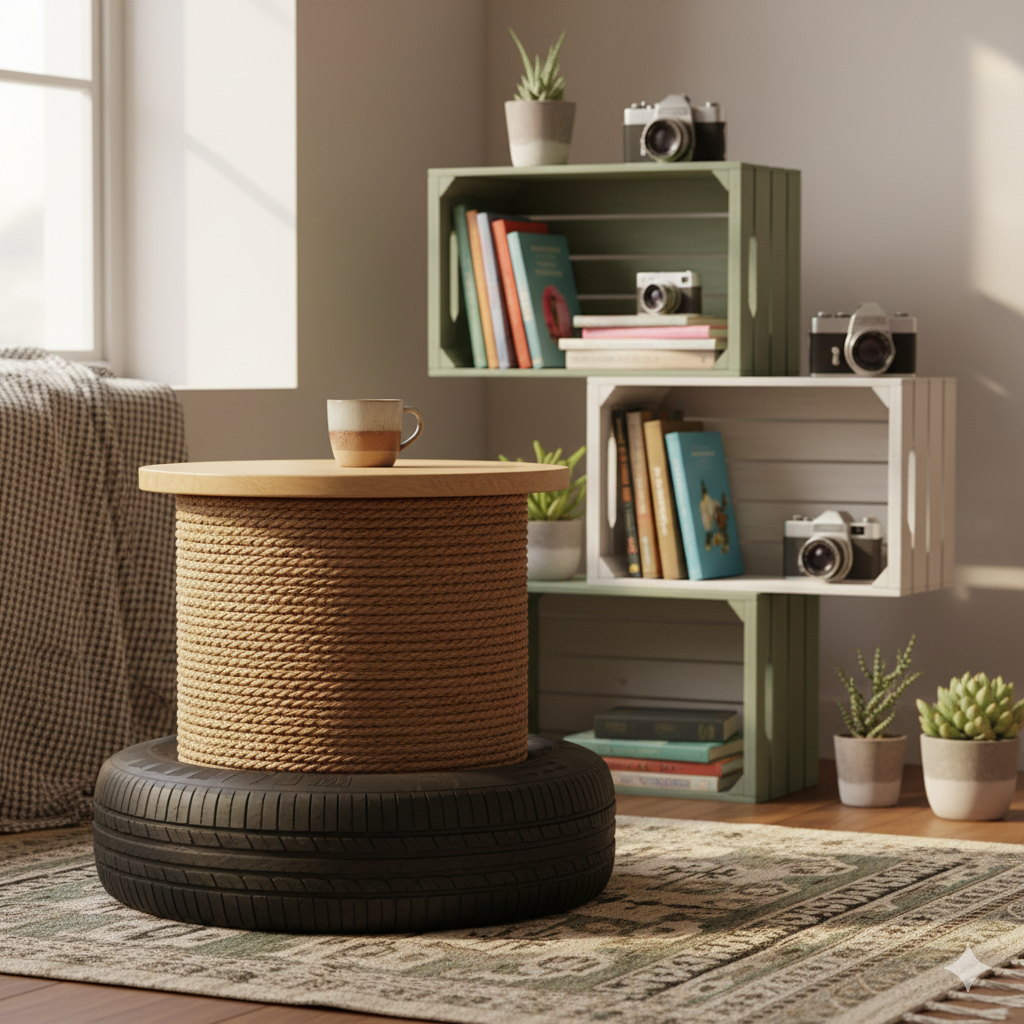
The «Biophilic» Principle: The incorporation of natural elements (wood, natural light, plants) in office design has been shown to reduce stress levels and increase job satisfaction.
Conclusión: Your Office, Your Engine for Productivity
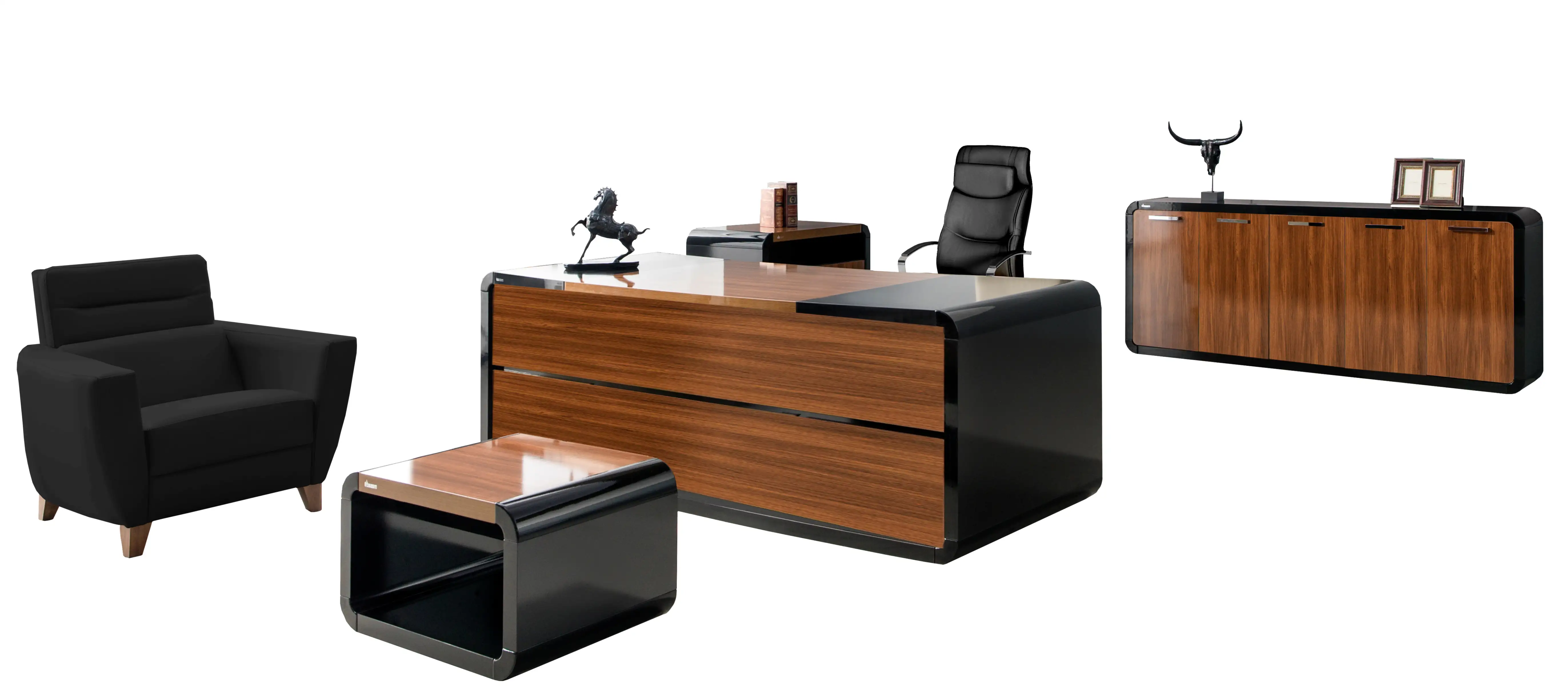
Setting up a complete office space based on these 7 essential elements is not an expense, but a strategic investment in your long-term health and daily productivity. By prioritizing ergonomics (Chair and Desk), efficiency (Technology and Supplies), and well-being (Lighting and Comfort), you will be creating an optimized environment that not only facilitates work but elevates it.
Remember: The best office space is one that allows you to enter the state of Flow, where concentration is deep and work seems effortless.
Latest Posts Published
✨ How to Decorate a Windowless Room: 15 Surefire Strategies for Creating a Bright and Cozy Oasis
How to Decorate a Narrow Hallway Without Overwhelming the Space: Complete Guide to Expanding and Modernizing It (2025)
How to Decorate a Small Bathroom with Functional Ideas: The Definitive Guide 2026
How to Organize Your Kitchen to Make It Look Neat and Modern (Step-by-Step Guide)
Wabi-Sabi Decor 2025: How to Create Imperfect Yet Elegant Spaces
How to Choose the Perfect Lighting for Every Room

DIY Decorating with Natural Wood: 15 Rustic and Modern Ideas
How to Combine Maximalism and Minimalism in Interior Design (2025 Trends)
Sustainable Vintage Decor: Guide to a Trendy Retro-Style Home